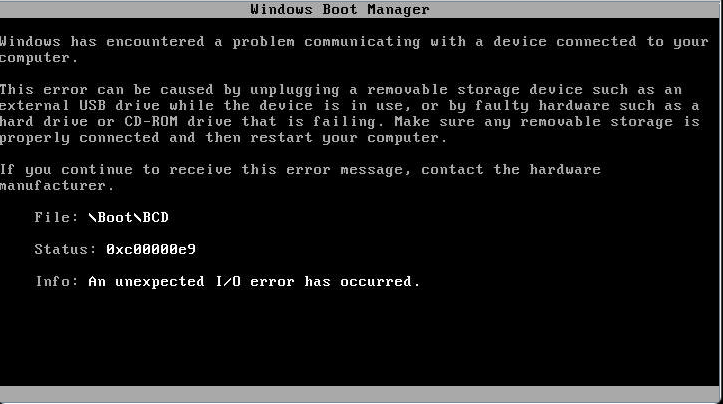
When booting a Windows Server system, you may experience the following error:
Windows Boot Manager

Windows has encountered a problem communicating with a device connected to your computer.

This error can be caused by unplugging a removable storage device such as an external USB drive while the device is in use, or by faulty hardware such as a hard drive or CD-ROM drive that is failing.
Make sure any removable storage is properly connected and then restart your computer.

If you continue to receive this error message, contact the hardware manufacturer.

File: \Boot\BCD
Status: 0xc00000e9
Info: An unexpected I/O error has occurred.
We experienced this on a Windows Server 2025 server with a SuperMicro X11SSL-F motherboard after installing the latest Windows Updates and rebooting.
The BIOS version was 2.4.
To resolve the issue, we updated the BIOS firmware to the latest release (3.6 at the time of writing), and then reinstalled Windows.
Finally, we ran Windows Update again, rebooted, and the issue was not experienced again.
.png)
.png)