VPS Migration Checklist: Move From Shared Hosting Safely
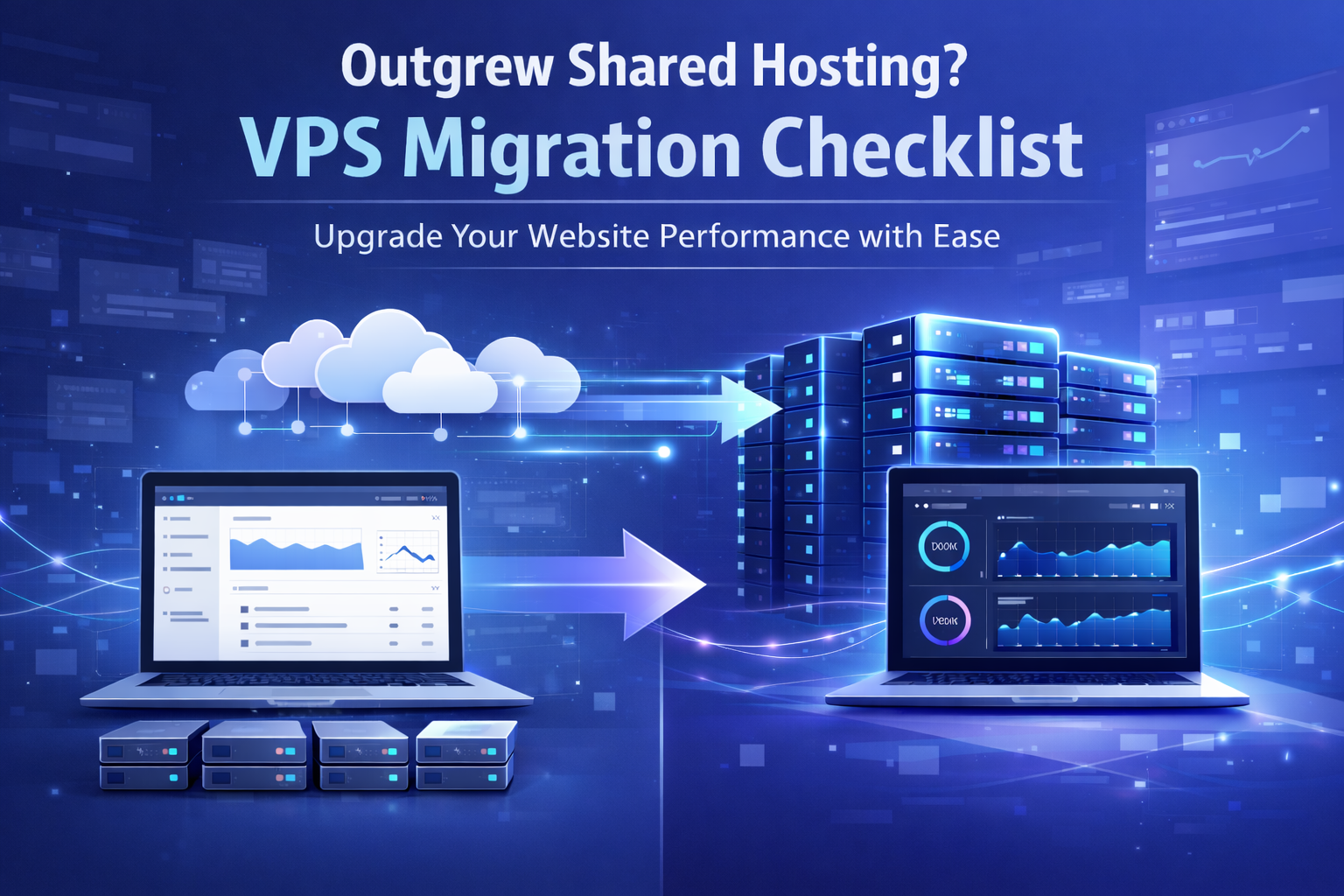
This VPS migration checklist is designed for website owners who have outgrown shared hosting and need better speed, uptime, and control. If your website has been running on shared hosting for a while, you may have started noticing its limits, including slow loading speeds, downtime during traffic spikes, and restricted server access.
Shared hosting is often a good starting point for new websites, but growing websites usually need more reliable performance. A VPS gives your website more dedicated resources, better stability, and greater flexibility than a standard shared hosting plan.
Before you make the move, it is important to follow a clear plan. This guide walks you through a practical VPS migration checklist to help you move from shared hosting to VPS with less risk of downtime or data loss.
Why You Need a VPS Migration Checklist
Shared hosting means your website shares server resources such as CPU, RAM, storage, and bandwidth with other websites on the same server. This helps keep costs low, but it can also create performance problems as your website grows.
If another website on the same server uses too many resources, your own website may slow down. You may also face limits on software, server settings, email usage, database performance, and security configuration.
A VPS gives your website its own allocated resources. This can improve website speed, stability, and control compared with a typical shared web hosting service.
Following a VPS migration checklist helps make the move smoother. It also reduces the chance of missing important steps such as backups, testing, DNS updates, and post-migration monitoring.
VPS Migration Checklist: Signs You Have Outgrown Shared Hosting
You may not always realise your hosting environment is holding your website back. However, there are several signs that shared hosting may no longer be enough.
Slow Website Performance
If your website regularly loads slowly, especially during busy periods, your hosting plan could be limiting performance. A slow website can frustrate visitors and make your business look less reliable.
This is especially important for business websites, online stores, blogs with growing traffic, and websites that rely on enquiries or bookings.
Frequent Downtime or Resource Limits
Frequent downtime, resource limit warnings, slow admin dashboards, and poor server response times are common signs that your website needs more power.
Shared hosting can struggle when your website starts using more CPU, memory, or database resources than the plan allows.
More Traffic or Heavier Website Features
You should also consider moving from shared hosting to VPS if your website traffic is increasing, you are running resource-heavy plugins, or your business depends on consistent uptime.
Websites using eCommerce tools, membership areas, booking systems, custom applications, or large databases may benefit from the extra control and resources of a VPS.
VPS Migration Checklist Before You Start
Before moving your website, take time to review your current setup. This helps you choose the right VPS plan and avoid problems during the migration.
Check Your Current Hosting Limits
Start by identifying what is not working with your current hosting. Look at page load time, uptime, server response time, storage usage, bandwidth usage, database performance, and any CPU or memory limits.
You can use tools such as Google PageSpeed Insights, GTmetrix, Pingdom, or uptime monitoring services to check your website’s current performance.
This step helps you understand what your website actually needs. It also helps you avoid choosing a VPS plan that is too small or paying for resources you do not need.
Choose the Right VPS Hosting Plan
Not all VPS hosting plans are the same. Before choosing a plan, compare CPU cores, RAM, SSD or NVMe storage, bandwidth, backups, control panel options, server location, and support level.
If you are moving from shared hosting, even an entry-level VPS can offer a noticeable improvement. However, it is still important to choose a plan that can handle your current traffic and leave enough room for growth.
You should also decide whether you need a managed or unmanaged VPS. A managed VPS is usually better if you want the hosting provider to help with server updates, security, monitoring, and technical setup.
Back Up Your Website Data
Before making any changes, create a full backup of your website. This should include website files, databases, email accounts, DNS records, SSL certificates, cron jobs, and any custom configuration files.
Even if your hosting provider offers migration support, keeping your own backup is important. It gives you a safe restore point if anything goes wrong during the migration.
Do not rely on only one backup method. Ideally, keep a copy with your hosting provider and another copy stored separately, such as on your local computer or secure cloud storage.
Set Up Your VPS Environment
Once your VPS is ready, configure the server before moving your live website. Install your preferred operating system, control panel, web server, database server, PHP version, firewall, and security tools.
Common setups may include cPanel, Plesk, DirectAdmin, Apache, Nginx, LiteSpeed, MySQL, MariaDB, and PHP-FPM.
Unlike shared hosting, a VPS gives you much more control over the server environment. This is one of the main benefits of VPS hosting, but it also means the setup needs to be done properly.
VPS Migration Checklist for Moving Your Website
Once your VPS environment is ready, you can begin the actual website migration. This is where careful testing matters most.
Migrate Your Website Files and Databases
After the VPS environment is ready, you can begin moving your website. This can be done manually, through a control panel transfer tool, or by asking your hosting provider to handle the migration.
Make sure all website files and databases are transferred correctly. If your website uses WordPress, also check that themes, plugins, uploads, and configuration files have moved successfully.
For database-driven websites, confirm that database names, usernames, passwords, and connection settings are correct on the new VPS.
Test the Website Before Going Live
Testing is one of the most important steps in any VPS migration checklist. Before pointing your domain to the new server, check the website using a temporary URL, preview link, or hosts file method.
Test important pages, contact forms, checkout pages, login areas, search functions, images, redirects, and admin dashboards.
Also check that SSL certificates are installed correctly and that the website loads over HTTPS. Look for broken images, database errors, missing files, incorrect permissions, plugin errors, and PHP version conflicts.
Update Your DNS Settings
Once the website has been tested and confirmed working on the VPS, update your domain’s DNS records to point to the new server.
In most cases, this means updating the A record for your domain to the VPS IP address. If you are also moving email services, you may need to update MX, SPF, DKIM, and DMARC records as well.
DNS changes can take time to propagate globally. This can happen quickly, but in some cases it may take up to 24–48 hours.
Monitor and Optimise Your VPS
Migration is not the final step. After your website is live on the VPS, continue monitoring performance closely.
Check uptime, server load, memory usage, disk usage, error logs, website speed, email delivery, and database performance.
A VPS gives you more room to optimise performance. You can fine-tune caching, PHP settings, database queries, web server configuration, and security rules.
Benefits of Moving From Shared Hosting to VPS
Moving from shared hosting to VPS can offer several important benefits for growing websites. A VPS gives your website allocated resources, which means it is less affected by other users on the same physical server.
Better Speed and Stability
With VPS hosting, your website usually gets more consistent access to CPU, RAM, and storage. This can improve loading speed, reduce slowdowns during busy periods, and make your website more reliable for visitors.
Better speed and stability can also improve the experience for visitors using your website on mobile devices or slower connections.
More Control Over Your Hosting Environment
A VPS gives you more control over server settings than shared hosting. You can choose software versions, configure caching, adjust PHP settings, improve security, and optimise the server around your website’s needs.
This is useful if your website needs specific software, custom configurations, or better control over performance settings.
A Scalable Step Before Dedicated Servers
VPS hosting is a useful middle ground between shared hosting and a dedicated server. You get more power and flexibility without needing to pay for a full physical server.
For many growing websites, a VPS provides the right balance of affordability, control, and performance.
Final Thoughts on This VPS Migration Checklist
Outgrowing shared hosting is a normal step for any website that is growing. While moving to a VPS may sound technical, the process becomes much easier when you follow a structured plan.
This VPS migration checklist helps you prepare properly, back up your data, configure the new server, test your website, update DNS, and monitor performance after the move.
If done correctly, moving from shared hosting to VPS can improve your website’s speed, uptime, security, and overall user experience.
For businesses that rely on a strong online presence, upgrading to VPS hosting can be an important step towards long-term growth.
Frequently Asked Questions
You should consider moving from shared hosting to VPS when your website becomes slow, experiences frequent downtime, reaches resource limits, or starts receiving more traffic than your current plan can handle.
If your website is important for sales, enquiries, bookings, or SEO, moving before performance becomes a major issue can help avoid lost visitors and poor user experience.
Yes, VPS hosting is usually better than shared hosting for growing websites. It provides allocated resources, better performance, improved stability, and more control over server settings.
Shared hosting is suitable for smaller websites, but VPS hosting is often a better choice when you need more reliability and flexibility.
Downtime can usually be kept to a minimum if the migration is planned properly. Creating backups, testing the website before launch, and updating DNS carefully all help reduce disruption.
In many cases, visitors may not notice the migration if it is handled correctly.
Some technical knowledge is useful, especially if you are using an unmanaged VPS. However, many hosting providers offer managed VPS plans or migration support.
If you are not comfortable managing a server, a managed VPS is usually the safer option.
VPS hosting can improve performance by giving your website more consistent access to CPU, RAM, and storage resources.
This can lead to faster loading times, better stability during traffic spikes, and improved server response times. Performance still depends on your website setup, caching, database optimisation, and server configuration, but VPS hosting gives you a stronger foundation than shared hosting.