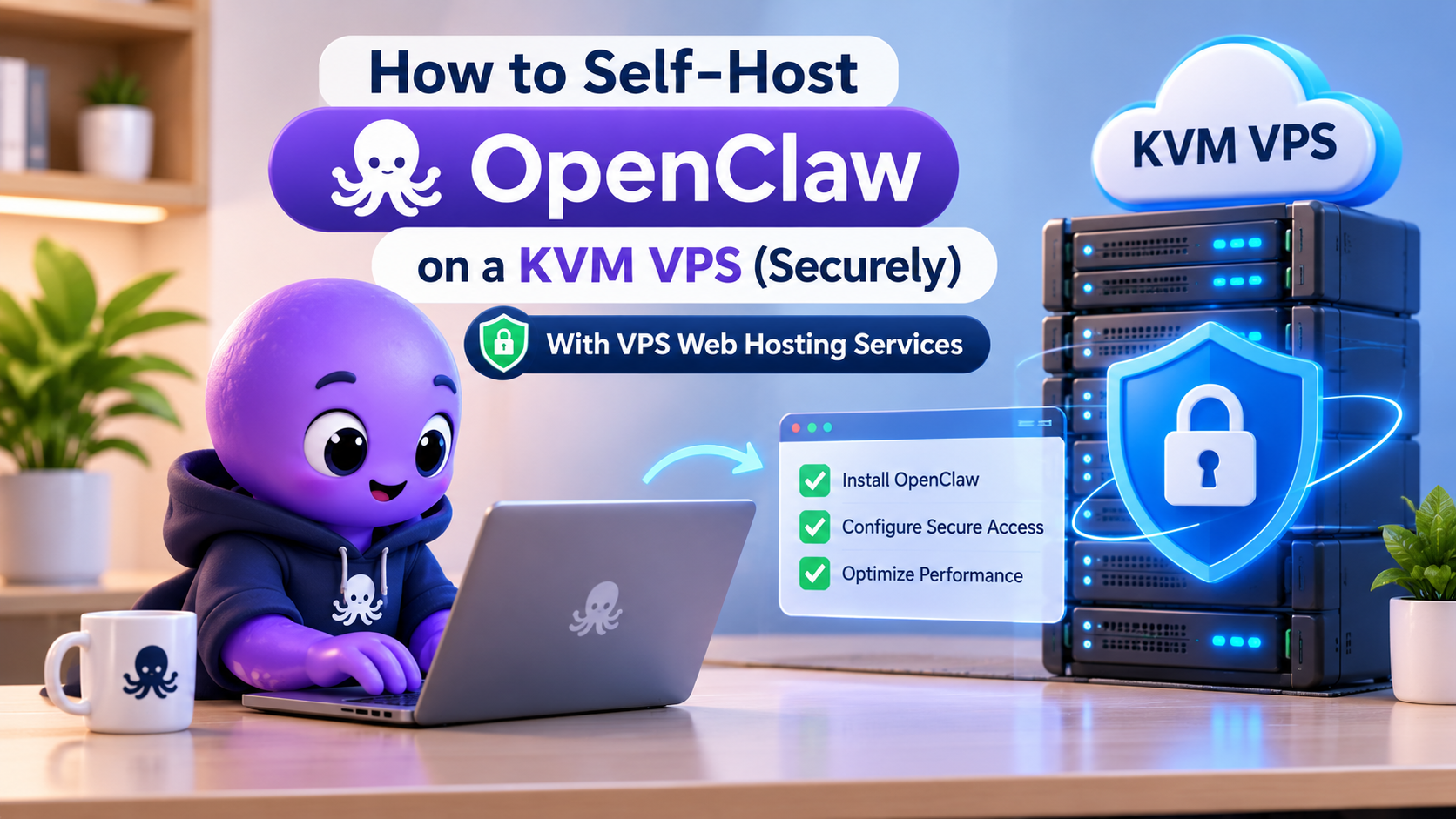
OpenClaw is the open-source AI agent that reads your chats, runs shell commands and clicks around websites for you. Brilliant. Also slightly terrifying. Grab a box from one of the many vps web hosting services, run the installer, walk away, and you might have handed a stranger a remote shell with your API keys attached.
The risk is real. Censys counted 21,639 OpenClaw instances reachable from the public internet on 31 January 2026, according to eSecurity Planet, and other scanners reported far bigger numbers within two weeks. Fixing that isn’t hard. It’s just boring, so people skip it. (It’s had three names. Clawdbot, then Moltbot, then OpenClaw. The US National Vulnerability Database lists all three, which is handy when you’re searching old logs.)
What to Look for in VPS Web Hosting Services for OpenClaw
KVM first. With KVM you get your own kernel and true hardware virtualization, so OpenClaw’s Docker sandbox runs the way its docs expect, and nobody else shares your kernel.
RAM is where people go cheap. OpenClaw’s own FAQ lists 1 vCPU and 1 GB of RAM as the absolute minimum, with 2 GB or more recommended. Take the recommendation. BitLaunch tested the 1 GB route and its install failed with memory errors. So start at 2 GB if you mostly want chat, and jump to 4 GB if you’ll let it drive a browser. On our KVM VPS plans that’s $6 or $12 a month (USD) at the time of writing. Our VirtFusion panel lets you upgrade later but blocks downgrades, so start small and grow.
Whatever SSD VPS Provider you pick, check three dull things. Do they offer Ubuntu LTS images, which OpenClaw’s docs call the best-tested Linux path? Can you restore backups yourself without a ticket? And can you mount a rescue ISO when you lock yourself out of SSH? You will.
Lock Down the Box Before OpenClaw Goes On
Start from a fresh Ubuntu LTS image and use root for the last time. Make an admin user with sudo, copy your SSH key across, then switch off password and root logins in /etc/ssh/sshd_config. Test a second session before closing the first. Skipping that test is how you end up mounting a rescue ISO at 2am.
Now the firewall. Set UFW to deny incoming traffic by default and allow SSH only. Port 18789, the Gateway’s default, shouldn’t be on that list. If you use Tailscale, OpenClaw’s Linux server guide gives a sensible order. Join the VPS to your tailnet, confirm SSH works over the Tailscale address, and only then close public SSH.
Installing OpenClaw Step by Step
Give It Its Own User, With No Sudo
Create a plain user called openclaw and keep it out of the sudo group. Some guides add it to sudo for convenience. Don’t. Singapore’s Cyber Security Agency (CSA), in its OpenClaw advisory, tells individuals to run it under a least-privileged account. Do system work as your admin user, then switch over and run openclaw onboard --install-daemon, which sets up a systemd user service. If npm install -g complains about permissions, set a user-level npm prefix or use nvm. Sudo isn’t the fix.
Annoying gotcha. User services stop when nobody’s logged in unless lingering is on. Check with loginctl show-user openclaw | grep Linger. If it says no, run sudo loginctl enable-linger openclaw from your admin account.
Keep the Gateway on Loopback
Current docs say a regular host install binds the Gateway to loopback by default. Check that gateway.bind says loopback anyway, and fix it with openclaw config set gateway.bind loopback if it doesn’t. Security reports in February 2026 flagged early builds that listened on every interface out of the box.
Onboarding creates a Gateway token, even for loopback. Keep it. If you set your own, make it long, because openclaw security audit warns about anything under 24 characters. Running openssl rand -hex 32 does the job.
But loopback isn’t a force field. CVE-2026-25253, published 1 February 2026 and scored 8.8 (High) in the National Vulnerability Database, let a crafted link steal the Gateway token through the victim’s own browser, even on loopback-only installs. Version 2026.1.29 fixed it.
Docker Users, Read This Twice
The container image plays by different rules. In a detected container, the docs say the bind setting defaults to all interfaces so port publishing works. And Docker’s published ports skip UFW’s normal input rules, so your firewall can say deny while the port sits wide open. Publish it as 127.0.0.1:18789:18789, add rules to the DOCKER-USER chain for finer control, then scan yourself from outside with nmap. Also, don’t hardcode eth0 in firewall rules, because VPS images may call it ens3 or something else.
Reach It Through Tailscale or an SSH Tunnel
For a one-person agent, a public reverse proxy with HTTPS is overrated. More moving parts, more headers to get right, more ways to be wrong. Tailscale Serve keeps the Gateway on loopback and handles access, and OpenClaw’s docs prefer it over LAN binds. For most people that settles it. No Tailscale? Run ssh -L 18789:127.0.0.1:18789 you@your-vps and open the dashboard on your laptop’s localhost.
Run the Audit, Then Run It Again
The openclaw security audit command reads your config and file permissions without touching the network. Add --deep and it probes the running Gateway too. Run it after install, after every big config change, and after each update.
Skills, Keys and How Far the Agent Can Reach
Every skill and account you connect makes OpenClaw more useful. And more dangerous. The CSA’s advisory, dated 28 May 2026, names unpatched flaws, weak access control, sensitive data exposure, malicious third-party skills and memory poisoning as key risks. Its advice is plain. Install skills only from trusted sources you can actually check. Rotate API keys and tokens regularly. Put human approval in front of anything you can’t undo, like payments, deletions or emails to people outside.
The advisory covers OpenClaw and similar autonomous agents. It isn’t a rule about VPS hosting in general, and it comes from Singapore, though the advice works anywhere.
Lock your chat channels down with allowlists too. On Telegram, allowFrom takes your numeric user ID, and setup won’t accept an @username. Easy to get wrong. OpenClaw’s VPS guide also says to keep a shared agent away from personal Apple or Google accounts. Give it its own.
Backups, Logs and Updates on VPS Web Hosting Services
Our VPS plans take a daily off-site backup and keep seven days of restore points. Handy. Not enough on its own, though. OpenClaw keeps its state in ~/.openclaw, with the workspace inside it, and its docs tell you to back both up. Those files hold credentials too. So encrypt any copy that leaves the server.
Logs need a home too. The CSA advises sending OpenClaw logs to a persistent directory instead of the default /tmp, so there’s a record when something strange happens.
Then patch, often. OpenClaw’s release notes show three patch releases so far in November 2026, with v2026.11.3 the latest as we write this. Run openclaw update, then run the audit again.
Keep It Off Your WordPress Server
Same customer. Two products. If you already run a WordPress site, it’s tempting to stack OpenClaw on the same box. Most vps web hosting services will happily sell you one bigger server for the job. Two small ones are the better buy. If the agent gets hijacked, it may reach whatever else lives on that machine, shop database included.
(Side note. The same logic applies to your laptop. The CSA tells individuals to avoid installing open-source OpenClaw on devices that hold sensitive data, which is honestly the best case for renting a VPS.)
The CSA also says to keep sensitive data out of the agent’s reach, and a live customer database is about as sensitive as data gets. So give OpenClaw its own small KVM VPS. For good WordPress hosting, use a separate plan (we sell good WordPress hosting as its own product).
Frequently Asked Questions
It’s the official minimum, but we wouldn’t bother. Start at 2 GB, or 4 GB if you’ll use browser automation.
KVM virtualization, Ubuntu LTS images, backups you can restore yourself and a way back in when SSH breaks. Room to upgrade RAM later helps too.
You can, but you shouldn’t. Good WordPress hosting and an agent with shell access belong on separate machines, so one break-in can’t take down both.
No. Keep the Gateway on loopback and reach it through Tailscale Serve or an SSH tunnel.
No. Look for KVM virtualization, a firewall you fully control, current Ubuntu LTS images and real backups. Price matters less than those four.
Run OpenClaw Securely on Your Own KVM VPS
Give your OpenClaw AI agent a safe, isolated home on a KVM VPS. Get your own kernel, SSD storage, root access, Ubuntu LTS images, daily off-site backups and the freedom to upgrade RAM as your agent grows. Lock down the firewall, keep the Gateway private and run OpenClaw away from your WordPress site.