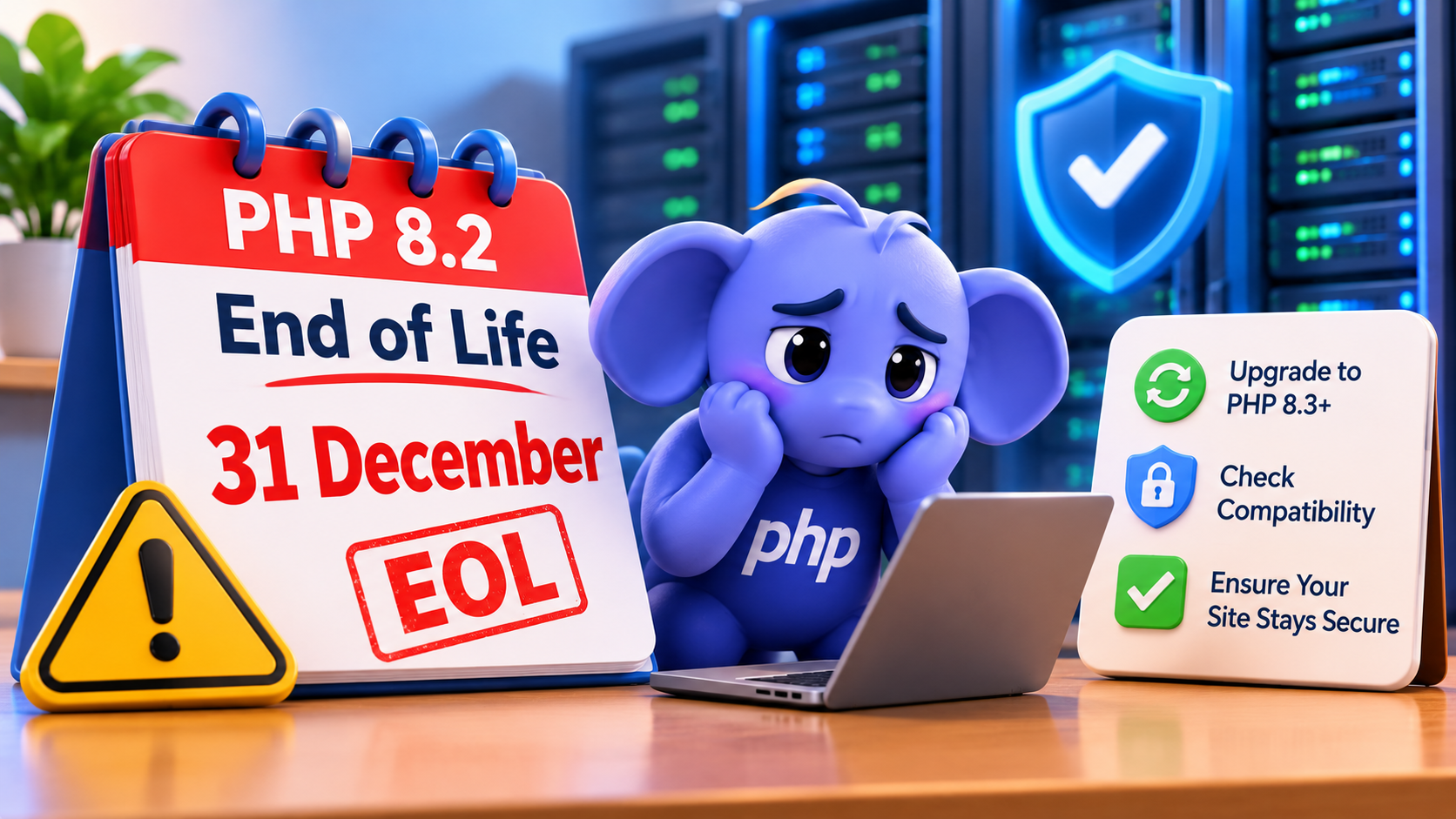
PHP 8.2 stops getting security fixes on 31 December 2026. Seven weeks. If your site runs on one of the many shared server hosting services out there, there’s a decent chance it’s still on 8.2, because that was the sensible default for ages and nobody goes back to change a setting that works. Fair enough. It did work. But from 1 January, any new hole found in 8.2 stays open. The PHP project confirmed this in its 21 October 2026 notes for PHP 8.2.35, saying no more security fixes will follow after the end-of-life date.
What Actually Changes on 1 January
Your site won’t go down. People ask that first, every time, so let’s clear it up. The code keeps running exactly as it did on New Year’s Eve.
What stops is the patching. Under the rules on the PHP project’s supported versions page, each branch gets two years of full support, then two years of security-only fixes. PHP 8.2 came out on 8 December 2022, lost full support on 31 December 2024, and loses the security fixes on 31 December 2026.
And the timing’s grim. On 21 October 2026, php.net shipped 8.2.35 to fix two critical remote code execution flaws (CVE-2026-109618 and CVE-2026-109619), both rated 9.2 under CVSS v4.0. The advisory said every PHP install serving web requests was at risk, and LiteSpeed was on its list. We run LiteSpeed. It had our full attention. Branches already past end of life got no new release. Because the bugs were so bad, the PHP team posted bare-bones source patches for 7.4, 8.0 and 8.1, aimed at people who compile PHP themselves. That’s a kindness. You can’t plan around kindness.
Side note. Branches used to retire on odd dates. PHP 8.0 went on 26 November 2023 and 7.4 on 28 November 2022, according to php.net. Now they all end on 31 December, which is tidy, and means everybody remembers around Boxing Day.
Why This Hits Shared Server Hosting Services Harder
On a VPS, you’d own the whole problem. Shared hosting splits it. We patch the servers, the operating system and the PHP builds. You choose which PHP version your account runs, and you look after your plugins and themes. Same server. Two jobs.
That split is where sites slip through. Most shared server hosting services won’t force-upgrade every account the day a version dies, because a forced jump breaks old themes and the phones light up. So old versions linger, set once at sign-up and never touched again. And on affordable shared hosting, nobody’s paid to watch your plugin list except you. (That’s no dig at cheap plans. It’s just how the maths works at $3 a month.)
The UK’s National Cyber Security Centre is blunt about this in its guidance on obsolete products. Flaws in unsupported software stay unpatched, it says, and relatively low-skilled attackers can exploit them. That guidance is written for organisations running their own kit. Hosting isn’t its focus. The logic still holds.
Plenty of sites are in this spot. W3Techs data for 12 November 2026 shows PHP on 68.8% of websites whose server-side language it can identify. Among sites on PHP 8, version 8.2 is the second most used release at 26.3%, behind 8.3 at 35.2%.
Check Which PHP Version You’re Actually On
Don’t guess. It takes two minutes.
In cPanel, open the PHP version selector. You’ll see the version your account uses, and on some setups a separate one per domain. Check every domain. A Silver plan holds five sites, and the one that bites is always the forgotten one. The brochure site for a side project. The landing page from a 2023 campaign. Still on 8.2, or worse, 7.4.
On WordPress, go to Tools, then Site Health, then the Info tab, and expand Server. The PHP version line is right there.
Not on WordPress? Make a file called info.php containing a single phpinfo() call, load it in your browser, read the version at the top, then delete it. Straight away. Leaving it up hands strangers a map of your server.
Now the gotcha that catches developers. Cron jobs. A scheduled task can call a different PHP binary from the one serving your pages, so the site reports 8.4 while the nightly import quietly runs on 8.2. Look at the full command in cPanel’s Cron Jobs screen. If it points at a specific PHP path, that path decides the version.
Which PHP Version Should You Move To?
For most sites, 8.4. That’s our view, anyway, and the dates back it up.
PHP 8.3
Security fixes until 31 December 2027, per php.net. It’s the smallest jump from 8.2, so it’s the least likely to break anything. But it buys you one year. You’d be doing this exact job again next December, which is annoying enough that we’d skip it unless a plugin forces your hand.
PHP 8.4
Security fixes until 31 December 2028. Its full support ends on 31 December 2026, the same day 8.2 dies, which confuses people. It barely matters here. Two years of security patches is what you’re buying. The change you’ll most likely notice is that 8.4 deprecates implicitly nullable parameter types, according to php.net’s migration guide. Older plugin code does this a lot. Deprecations don’t take the site down, though your error_log file can fill up with notices.
PHP 8.5
Security fixes run to 31 December 2029. WordPress’s Hosting Team, in its WordPress 7.1 server compatibility notes (last updated 4 November 2026), recommends PHP 8.4 or 8.5 for new installs and lists 7.1 as fully compatible with 8.5. If you keep plugins current, 8.5’s fine. If you’re leaning on a premium theme last updated in 2022, maybe not.
PHP 8.6
php.net has the first stable release planned for 19 November 2026. Leave it alone for a few months, at least. Point-zero releases are for testers and people who enjoy pain.
How to Switch Without Breaking Anything
Order matters.
- Take a backup first. Ours run daily through JetBackup and we keep them 30 days, but a fresh one before a change costs nothing.
- Update WordPress core, plugins and themes before you touch PHP. Most “PHP broke my site” problems are really “my 2021 plugin broke my site.”
- Switch one domain to 8.4.
- Click through the pages that earn money. Checkout. Contact form. Login. Search.
- Open error_log in that site’s folder and look for fatal errors. Deprecation notices can wait.
- If something breaks, switch back. It takes seconds.
Then the next domain. Not all five at once on a Friday afternoon. Ask us how we know.
Stuck? Our support team’s in-house and based in the UK, so open a ticket and a person will go through the error log with you. Moving from a host that’s still parked on old PHP? We migrate sites across for free, and you’ve got 60 days to change your mind.
Can Shared Server Hosting Services Keep 8.2 Patched?
Sort of. Some hosts on CloudLinux can offer hardened builds of old PHP versions, with security fixes backported by CloudLinux after the PHP project stops, according to cPanel’s own support documentation. Paid extended support from TuxCare does a similar job for end-of-life versions.
That’s useful. It’s also a safety net with holes in it. A patched 8.2 still runs your old plugins, and a hardened build only fixes PHP itself. It does nothing for the code above it. And this only applies to hosts that actually run those builds, so ask yours directly. We’d treat it as a few weeks’ breathing room. Nothing more.
For what it’s worth, WordPress’s Hosting Team won’t recommend any PHP version that’s end of life upstream, even one WordPress still runs on.
Frequently Asked Questions
No. It’ll keep running on 1 January exactly as before. New security flaws found in 8.2 just won’t get official fixes from the PHP project.
Usually not, because a forced jump can break older themes and plugins. You normally choose the version yourself in cPanel, so check every domain before 31 December.
It shouldn’t. On our plans, every version from 5.6 to 8.5 is available in the control panel and switching takes a few clicks.
For most sites, yes. PHP 8.3 loses security support on 31 December 2027, while 8.4 is covered until 31 December 2028, so you save yourself a second upgrade next year.
Look for an update or a maintained replacement first, since an abandoned plugin is a risk on any PHP version. If there’s truly no option, ask your host whether a hardened 8.2 build is available while you replace it.
Keep Your Website Secure, Updated & Ready for the Future.
Keep your website running smoothly with shared hosting that supports modern PHP environments. Ethernet Servers provides SSD-powered shared hosting with free SSL certificates, cPanel, daily automated backups, malware protection, and expert technical support. Manage your PHP version and website requirements with confidence while benefiting from a hosting environment designed for performance, security, and compatibility.